


Privacy & security

Honest about the cloud.Quiet about your content.

AIspeaky uses managed providers for the strongest recognition and translation, hidden behind a first-party relay. This page is the map: what leaves the device, why, where it goes and how long it lives.

AIspeaky is currently in beta and free to use within beta limits. We do not read or store the content of what you dictate.
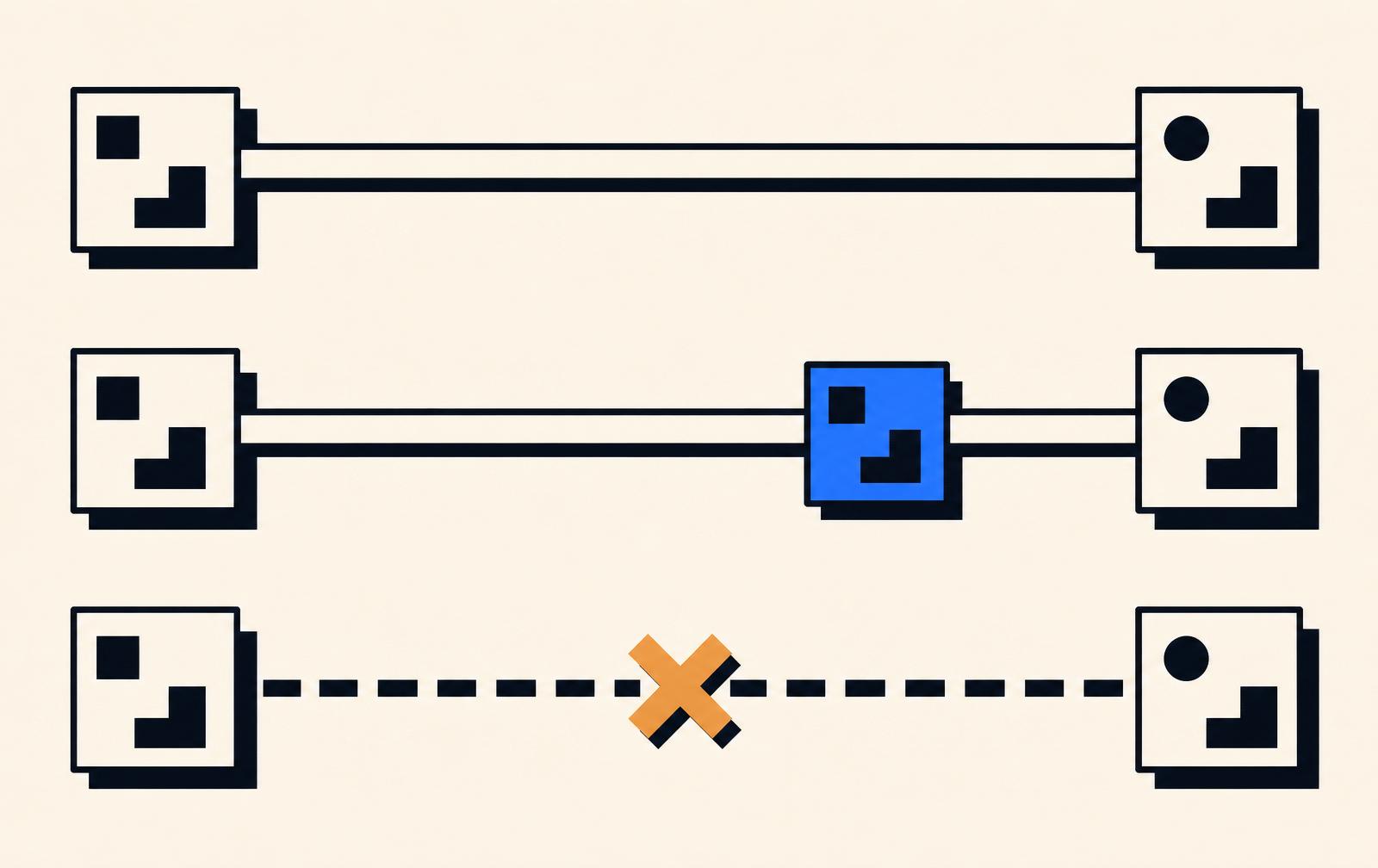
Privacy poster — data routes leaving the device toward managed providers behind a first-party relay.
At a glance

Every managed surface, one table.

Same shape as the home-page summary — expanded with per-surface deep dives below.

Route
What leaves the device
Purpose · retention
Status
  • Speech recognition
    Raw audio buffer of the current utterance
    Turn your voice into a transcript we can insert. Audio is streamed for one recognition request at a time.
    AIspeaky does not persist the audio or the returned transcript after the response is delivered to the client.
    Managed · in beta
  • Realtime translation
    The recognized source-language transcript
    Return a target-language rendering of the source line so you can insert it into the focused field.
    AIspeaky does not persist source or target text after the response is returned.
    Managed · where enabled
  • Voice commands
    For simple commands: nothing beyond the app-level metadata already sent for diagnostics
    Execute deterministic shortcuts locally, or ask a managed model to edit a selection when you use a rewrite command.
    Simple commands never leave the device.
    Simple set · deterministic
  • Beta diagnostics
    Anonymous device and OS fingerprint (version, arch, locale)
    Detect regressions before you report them; keep beta usage inside the free tier limits.
    Retained for the duration of the beta program.
    Always on during beta
AIspeaky collects technical diagnostics and usage metadata during the beta. Content handling depends on the workflow — review the details before using managed features.Full security page
01 · Dictation

Speech recognition

You hold push-to-talk, we capture the utterance, a managed speech-to-text provider returns the transcript, and AIspeaky inserts the text into the focused field.

Managed · in beta
What leaves the device
  • Raw audio buffer of the current utterance
  • Session id used to correlate crash reports
Purpose
Turn your voice into a transcript we can insert. Audio is streamed for one recognition request at a time.
Retention
AIspeaky does not persist the audio or the returned transcript after the response is delivered to the client. Provider-side retention is governed by the provider's policy — see the provider list below.
Provider
Managed speech-to-text via AIspeaky's relay
Region
EU/US routing during the beta; provider chooses the nearest inference region.
  1. 1
    Client → Relay

    Audio chunks over TLS; no third-party provider keys on the client.

  2. 2
    Relay → Provider

    AIspeaky signs the request with its own credentials and forwards audio.

  3. 3
    Provider → Relay

    Returns the recognized text; the relay does not log the transcript body.

  4. 4
    Relay → Client

    Transcript delivered back over the same session. Nothing persisted server-side.

02 · Translation

Realtime translation

Recognized text is sent to a managed translation model. Source and target are visible in the tray before you insert the target.

Managed · where enabled
What leaves the device
  • The recognized source-language transcript
  • Language-pair identifiers (e.g. en→es)
Purpose
Return a target-language rendering of the source line so you can insert it into the focused field.
Retention
AIspeaky does not persist source or target text after the response is returned. Provider retention applies to the request body per their published policy.
Provider
Managed translation via AIspeaky's relay
Region
EU/US routing during the beta.
  1. 1
    Client → Relay

    Source text and language pair over TLS.

  2. 2
    Relay → Provider

    Signed request from AIspeaky's server, no client-side keys.

  3. 3
    Provider → Relay

    Translated line; body not logged by AIspeaky.

  4. 4
    Relay → Client

    Target text and quality tag; nothing persisted on our side.

03 · Commands

Voice commands

Simple commands (undo, copy, paste, select…) resolve locally on the client. Rewrite commands like 'make this shorter' call a managed model and are shown as a separate, expanding group.

Simple set · deterministic
What leaves the device
  • For simple commands: nothing beyond the app-level metadata already sent for diagnostics
  • For rewrite commands: the selected text and the command phrase
Purpose
Execute deterministic shortcuts locally, or ask a managed model to edit a selection when you use a rewrite command.
Retention
Simple commands never leave the device. Rewrite command inputs follow the same non-retention posture as translation.
Provider
Local for simple commands · managed model for rewrites
Region
n/a for local commands; EU/US routing for managed rewrites.
  1. 1
    Client (local)

    Simple commands resolve on-device via the accessibility bridge.

  2. 2
    Client → Relay

    Rewrite commands send selection + phrase over TLS.

  3. 3
    Relay → Provider

    Signed request; the relay does not log the selection.

  4. 4
    Provider → Client

    Edited text returned; original selection replaced only after your accept.

04 · Diagnostics

Beta diagnostics

AIspeaky sends technical diagnostics that help us keep the beta stable — usage counters, crash traces, session metadata. Not the content you dictate.

Always on during beta
What leaves the device
  • Anonymous device and OS fingerprint (version, arch, locale)
  • Usage counters (sessions started, recognition seconds, error codes)
  • Crash traces and unhandled exceptions
Purpose
Detect regressions before you report them; keep beta usage inside the free tier limits.
Retention
Retained for the duration of the beta program. On beta exit we intend to reduce this to short-lived rolling logs.
Provider
AIspeaky (first-party)
Region
EU (primary).
  1. 1
    Client → AIspeaky

    Batched telemetry over TLS; no dictation content included.

  2. 2
    AIspeaky storage

    Indexed by anonymous device id; joinable to your account only after you opt into bug reports with logs.

Providers

Who we route through — and what they see.

AIspeaky uses managed providers for the parts local models don't do well yet. Provider identities are stable for the beta and change only with a status-page announcement.

ProviderRoleRegion
Managed speech-to-textRecognitionEU/US
Managed translationTranslationEU/US
Managed LLM (rewrite commands)Selection rewriteEU/US
AIspeaky relaySigns and forwards requests; no third-party keys on the clientEU

Provider names are intentionally generic during closed beta. Specific vendors will be disclosed on this page before the first public GA.

Your rights during beta

What you can actually do today.

Delete your account and data

Sign in, open account settings, remove your account. Beta account data is deleted; diagnostics tied to your account id are purged on the next rotation.

See what we have

Ask via the contact page. During beta we return diagnostics tied to your account within 30 days.

Opt out of managed features

Disable managed recognition and translation in settings. AIspeaky then declines those features rather than falling back to a weaker local model — that keeps the honesty of what's actually running.

Corrections

What we used to say vs. what's actually true

Earlier copy on this site overclaimed local-only behavior. Here's the honest version.

We used to sayWhat's actually true
Audio stays on your device.Managed features send audio or text to cloud providers through AIspeaky's relay.
Fully private.AIspeaky holds provider credentials so your client doesn't. Provider-side handling still applies.
No telemetry.Beta diagnostics are on by default so we can fix issues before launch.

AIspeaky doesn't claim end-to-end encryption for managed features, and doesn't claim independent certification. If you need either before installing, use the contact page — we'll be straight about what's verified today.

Ready to try it

Install the beta with the map in your hand.

You've seen exactly what leaves the device and why. If that matches what you need, grab the Fedora or Windows beta. macOS is on the waitlist.