Talk. Translate. Command.Without leaving your desktop.
Dictate into any active field, clean up the transcript, translate on the fly, and run voice commands — all from a small tray app that stays out of your way.
AIspeaky is currently in beta and free to use within beta limits. We do not read or store the content of what you dictate.
Speech lands where your cursor is — as-is or cleaned up.
Push-to-talk, pick a mode, and the text appears in the active field. The as-is transcript is always kept as the safe fallback.
- Focused-app insertionInserts at the caret of the active input where the OS reports one.
- As-is by defaultRaw transcript for speed. Cleanup is opt-in per app or per session.

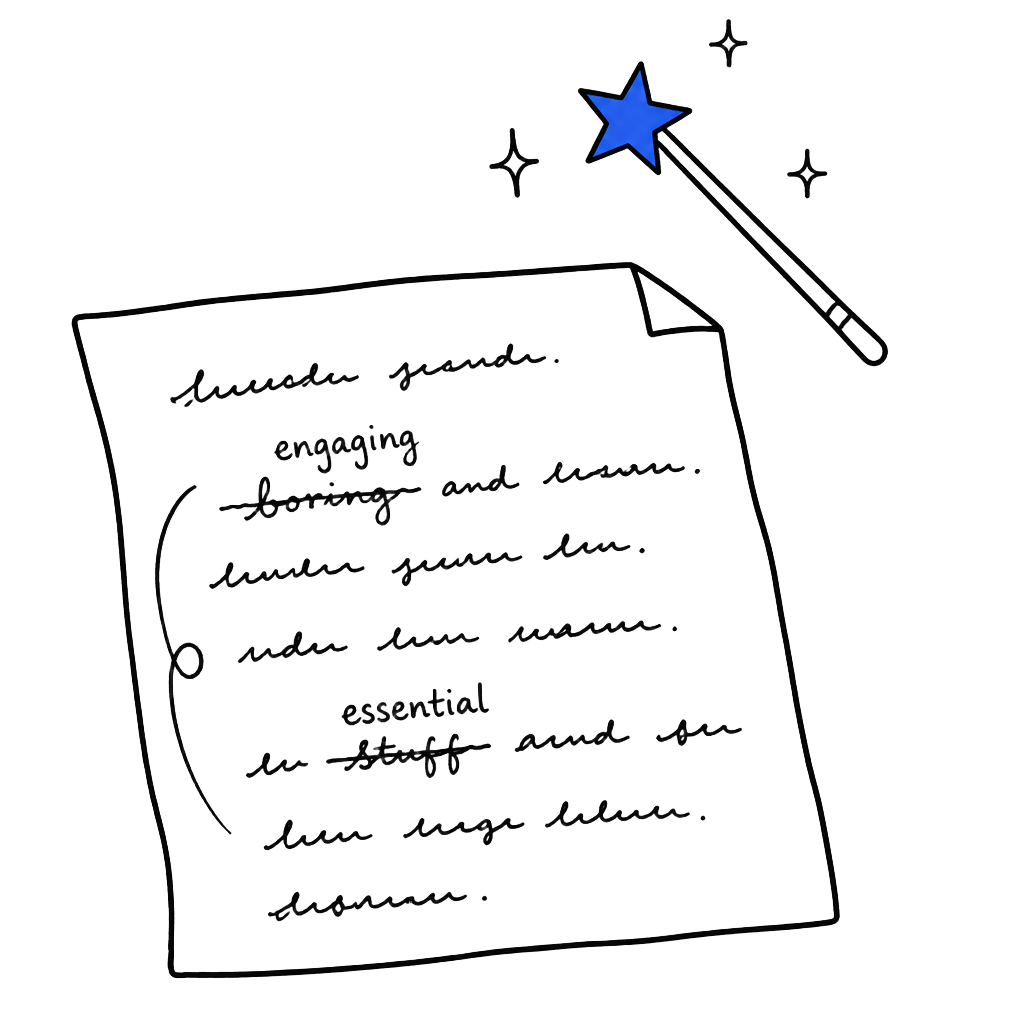
A light editorial pass — not a rewrite.
Punctuation, casing, obvious slips. When cleanup would change meaning, AIspeaky backs off and keeps the as-is result.
- Safe cleanupSentence boundaries, casing, common recognition slips.
- Meaning stays yoursNo invented facts. Unsafe edits are declined, not guessed.
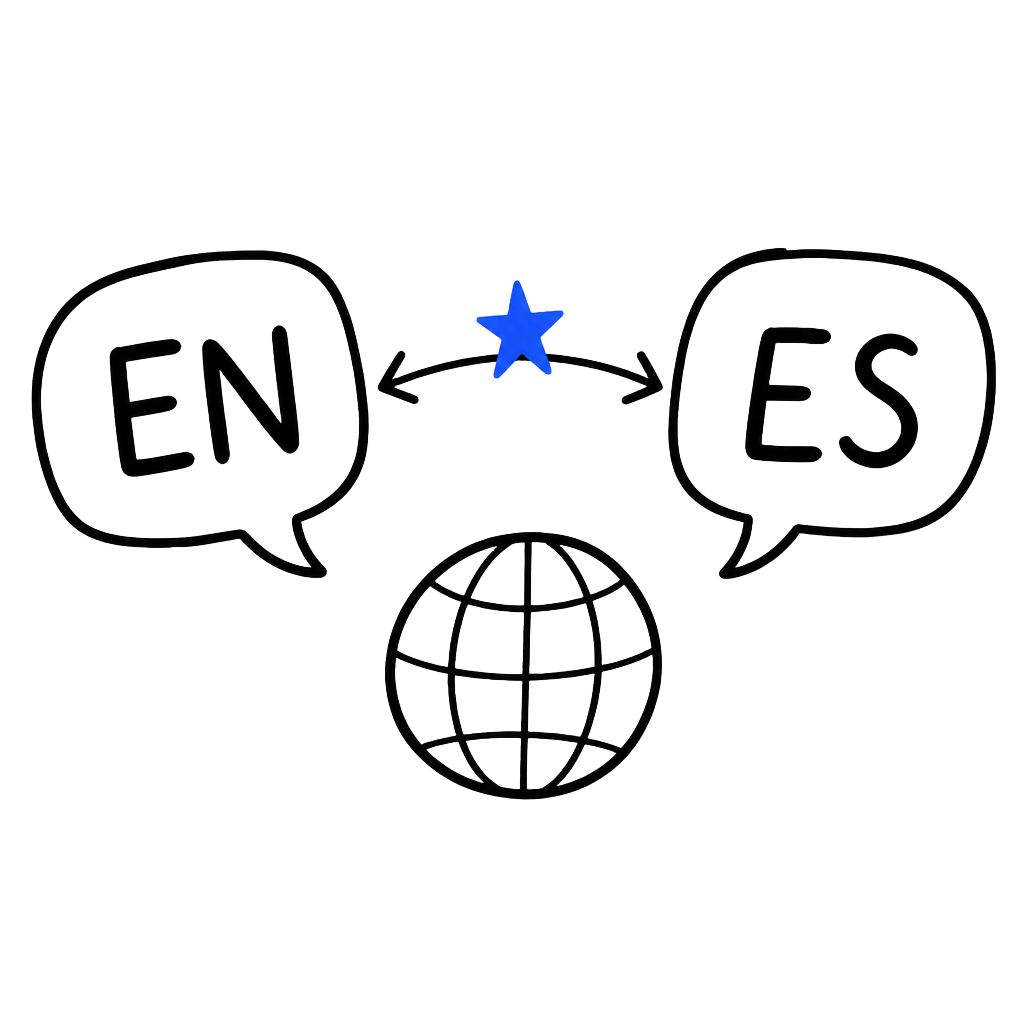
Two synchronous lanes. Source and target, both visible.
Speak in your source language, insert in the target. Beta translation is a real feature; quality tags per pair reflect what we currently observe, not aspirations.
- Per-pair beta tagsSee the quality tag before you send — no surprises after.
- Insert target-languageTarget lands in the focused field; source stays in the tray.
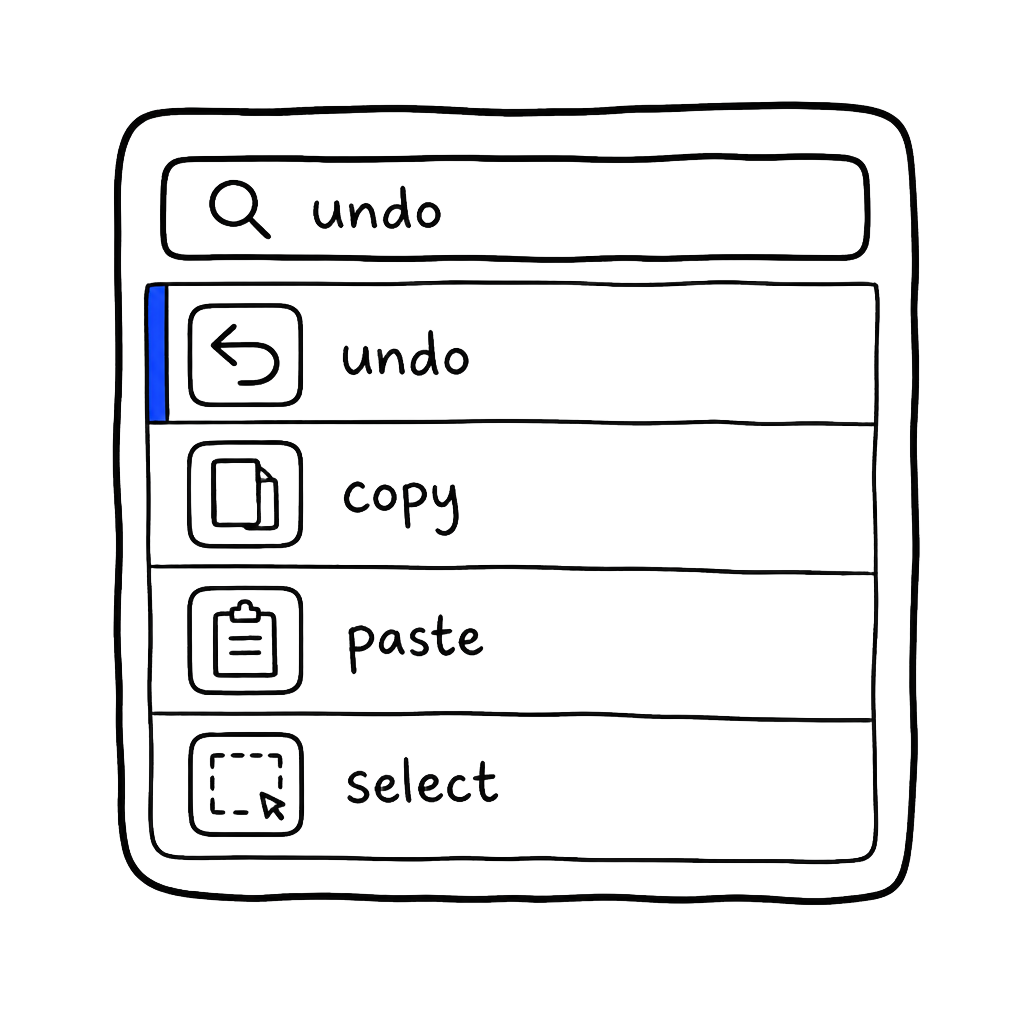
Undo, copy, paste, select — without leaving the keyboard.
Deterministic simple commands are ready. Rewrite commands like “make this shorter” are shown as an expanding group so nothing looks more finished than it is.
- Push-to-talk onlyNo wake word. No background listening.
- Rewrite commands · expandingLabelled separately; they call managed models.